AI 3D Render and Miniature Diorama Prompts
The current image models fake a convincing 3D render: tiny dioramas, isometric cities, collectible figures. Here are the best prompts and the 6 patterns that make the render read as a real physical object.
AI 3D Render and Miniature Diorama Prompts
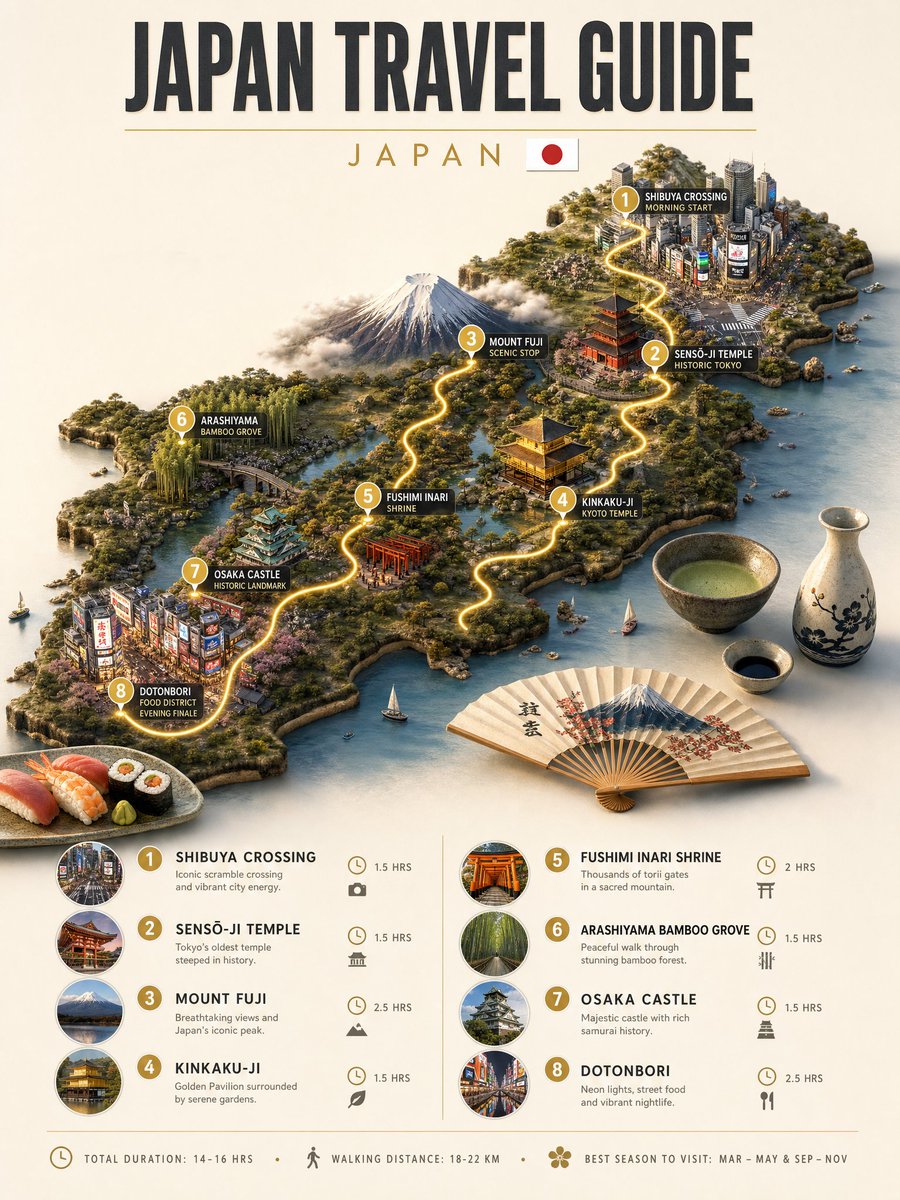
One of the most satisfying things the current image models do is fake a 3D render. Not flat illustration, but something that looks sculpted: a tiny diorama you could hold, an isometric city you could spin, a collectible figure under studio light. Our catalog has a deep set of these prompts, and the best share a trick: they ask for a physical object, not a picture. Here are the ones to start from and the patterns that make the render read as real.
What the models are good at
The standout looks are miniature dioramas, isometric scenes, and tabletop sculptures. GPT Image 2, GPT Image and Nano Banana Pro are especially good at the "tiny world" aesthetic: a scene rendered as if it were a physical model with shallow depth of field, soft studio light, and a sense of scale. Isometric city and map dioramas are a reliable win, and character renders in a clean "collectible figure" style land consistently. The models struggle when you ask for a full photoreal 3D human; they shine on objects, toys, buildings and stylized characters.
Patterns that work
The prompts
A starter recipe
Pick a subject, render it as a physical object (diorama, sculpture or figure), choose a material, set shallow depth of field and soft studio light, and place it on a base or inside a container. Add "isometric" for scenes and maps. Re-run with a new subject in the same style for a consistent collection.
Explore more
Browse the full set in 3D and diorama prompts, compare the look across GPT Image 2 and Nano Banana Pro, or run any of these in Create.
Related Articles
- The Best Ideogram Prompts
Oct 13, 2026 · 7 min read
- 最佳Ideogram提示词
Oct 13, 2026 · 7 min read
- Die besten Ideogram-Prompts
Oct 13, 2026 · 7 min read
- Los Mejores Prompts de Ideogram
Oct 13, 2026 · 7 min read
- Les Meilleurs Prompts pour Ideogram
Oct 13, 2026 · 7 min read