How to Write the Best Prompt for AI Image Generation
Master AI image prompts with concrete techniques, examples, and a checklist. Learn to describe subjects, style, lighting, and composition for stunning results.
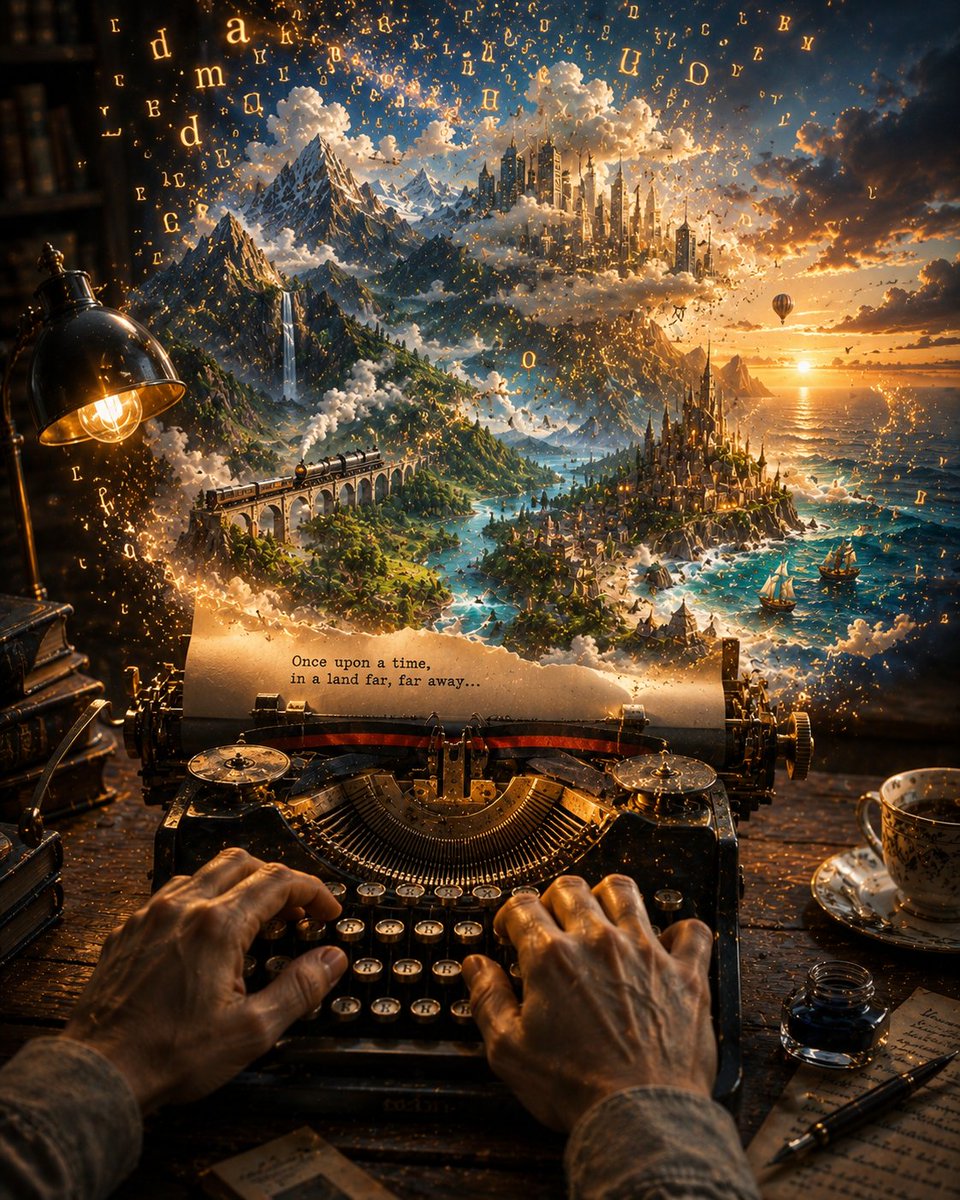
How to Write the Best Prompt for AI Image Generation
AI image generators have transformed how we create visuals, but the quality of the output depends heavily on the prompt you write. A vague prompt like "a dog" yields a generic image, while a well-crafted prompt can produce a stunning, gallery-worthy piece. This guide breaks down the art and science of writing effective image prompts, with concrete examples, do's and don'ts, and a practical checklist.
Why Prompt Structure Matters
Image models interpret your words literally. They don't infer intent or fill in gaps the way a human artist would. Every word you choose influences the composition, style, lighting, and mood. According to the OpenAI prompt engineering guide, clear and specific instructions lead to better results. The same principle applies to image generation: the more precise your language, the closer the output matches your vision.
The Core Components of a Great Image Prompt
A strong image prompt typically includes five elements: subject, action, style, composition, and technical details. Let's explore each.
1. Subject and Action
Start with the main subject and what it is doing. Be specific about the subject's attributes: species, age, clothing, expression, and pose. For example, instead of "a woman," write "a young woman with curly red hair, wearing a vintage leather jacket, smiling softly."
Action verbs add dynamism. "A cheetah sprinting across the savanna" is more vivid than "a cheetah." If the subject is interacting with the environment, describe that too.
2. Style and Medium
Style defines the artistic look. Options include "photorealistic," "oil painting," "watercolor," "anime," "cyberpunk," "minimalist," and "impressionist." You can also reference specific artists or movements, but be aware of copyright and ethical considerations. For example, "in the style of Studio Ghibli" is a common descriptor, but some platforms restrict artist names.
Medium matters: "digital art," "film photography," "3D render," or "pencil sketch" all produce different textures.
3. Composition and Perspective
Tell the model how to frame the image. Use terms like "close-up," "wide shot," "bird's eye view," "low angle," or "rule of thirds." Specify the focal point: "the subject is centered, with a blurred background."
4. Lighting and Color
Lighting sets the mood. Words like "golden hour," "neon glow," "soft diffused light," or "dramatic shadows" transform an image. Color palettes also guide the model: "muted earth tones," "vibrant saturated colors," or "monochromatic blue."
5. Technical Details and Quality Boosters
Add terms that signal high quality: "8K resolution," "highly detailed," "sharp focus," "intricate details." Some models respond well to "award-winning," "trending on ArtStation," or "cinematic." However, use these sparingly; overloading can confuse the model.
Example: From Vague to Vivid
Let's transform a weak prompt into a strong one.
Weak: "A castle on a mountain."
Better: "A medieval stone castle perched on a rocky mountain peak, surrounded by pine trees, with a winding path leading to the gate. Golden hour lighting, warm orange and purple sky, photorealistic, wide shot, highly detailed."
Strong: "A majestic medieval castle with towering spires and a drawbridge, perched on a jagged mountain peak. The scene is bathed in golden hour light, with long shadows and a warm glow. Pine trees cling to the slopes, and a winding cobblestone path leads to the gate. Photorealistic, 8K, sharp focus, cinematic composition, rule of thirds."
The strong prompt gives the model every element it needs to create a specific, high-quality image.
Advanced Techniques
Use Negative Prompts
Many tools (like Stable Diffusion) support negative prompts - what you *don't* want. For example, "blurry, low quality, distorted, extra fingers." This helps avoid common artifacts.
Iterate and Refine
Your first prompt rarely produces perfection. Use the output as a starting point. Adjust wording, add details, or change the style. The Anthropic prompt engineering overview emphasizes iterative refinement, a practice that applies to image generation too.
Use Prompt Weighting
Some models allow you to emphasize certain words with syntax like (word:1.2) or word++. Check your tool's documentation. This lets you prioritize key elements.
Reference Existing Prompts
Study successful prompts from communities or libraries. For instance, the Red Veil Register System Prompt for Image Generation shows how a structured system prompt can guide an image model. Similarly, the Evidence-Based Aesthetic Inference for Image Generation demonstrates a methodical approach to aesthetic choices.
Do's and Don'ts
Do
Don't
Real-World Prompt Examples
Let's look at a few prompts from the wikiprompt library to see these principles in action.
These examples show how detailed prompts produce distinctive results.
Tools and Resources
Different platforms have different prompt syntax. The Google Gemini prompting strategies and Google Vertex AI prompt design offer platform-specific advice. For a general deep dive, the Prompt Engineering Guide and Learn Prompting are excellent resources.
Checklist for Your Next Prompt
Before you hit generate, run through this checklist:
Conclusion
Writing the best prompt for AI image generation is a skill you can develop. Start with a clear subject, add specific details about style, composition, and lighting, and don't be afraid to iterate. Use the resources and examples linked here to refine your approach. With practice, you'll turn simple ideas into stunning visuals.
For more inspiration, browse the creative category or search for image prompts on wikiprompt.org. Happy generating!
Related Articles
- The Best Ideogram Prompts
Oct 13, 2026 · 7 min read
- 最佳Ideogram提示词
Oct 13, 2026 · 7 min read
- Die besten Ideogram-Prompts
Oct 13, 2026 · 7 min read
- Los Mejores Prompts de Ideogram
Oct 13, 2026 · 7 min read
- Les Meilleurs Prompts pour Ideogram
Oct 13, 2026 · 7 min read