How to Write Prompts for Realistic AI Photos
Master the art of prompting for photorealistic AI images. Learn key techniques, camera specs, lighting, and composition with examples.
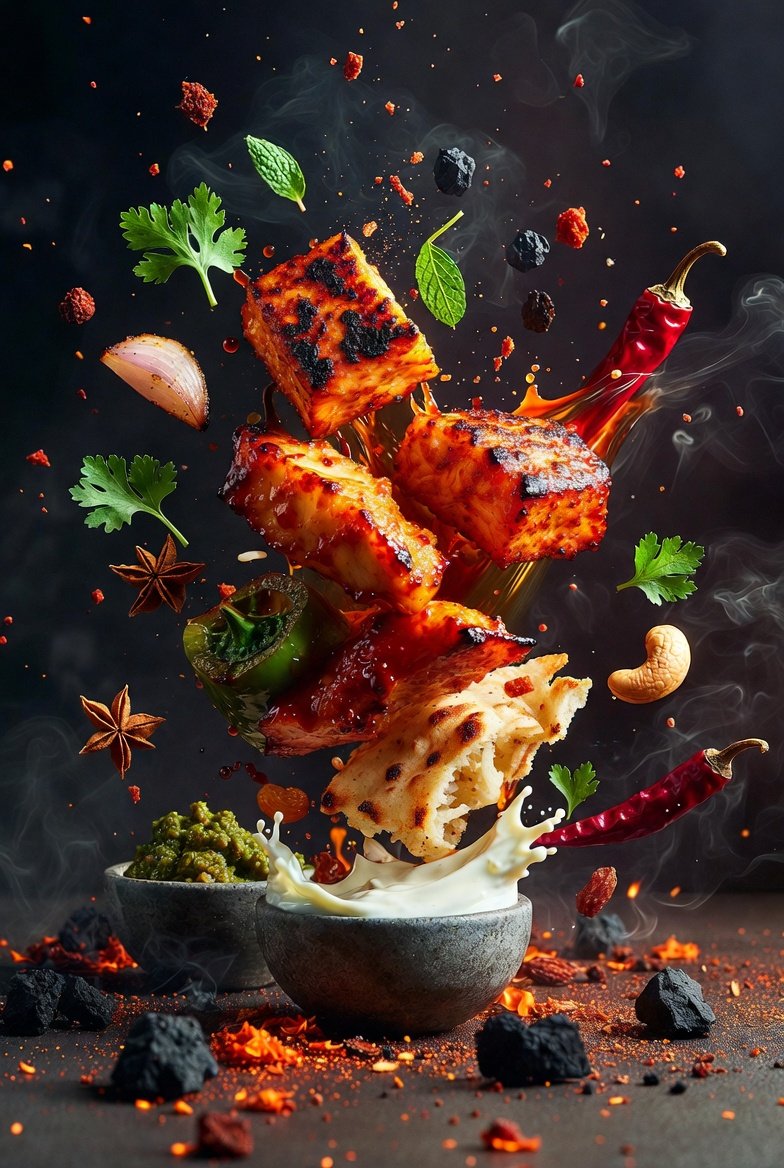
How to Write Prompts for Realistic AI Photos
Creating realistic AI photos is both an art and a science. A well-crafted prompt can transform a generic image into a stunning, lifelike photograph. Whether you're using Midjourney, DALL-E, Stable Diffusion, or another image generator, the principles of prompt writing remain consistent. This guide will walk you through the essential techniques to get the most realistic results from your AI image prompts.
Why Prompt Quality Matters for Photorealism
AI image models are incredibly powerful but literal. They interpret your words exactly, so vague prompts produce generic, often uncanny results. For photorealism, you need to guide the model with specific details about camera, lighting, subject, and composition. As noted in the OpenAI prompt engineering guide, clear and detailed instructions lead to better outputs. Similarly, Anthropic's prompt engineering overview emphasizes the importance of being explicit and providing context.
When you write a prompt for a realistic photo, you are essentially describing a photograph, not just a scene. This mental shift is crucial. Instead of “a dog,” think “a golden retriever sitting on a wooden porch, shot on a Canon EOS 5D Mark IV, 85mm lens, f/1.8, shallow depth of field, warm afternoon sunlight.” That level of detail is what separates amateur results from professional-looking images.
Core Elements of a Realistic Photo Prompt
To craft a realistic AI photo, include the following components in your prompt. You don't need all of them every time, but the more you include, the more control you have.
1. Subject and Action
Start with a clear, specific subject. Avoid generic terms like “person” or “object.” Describe the subject’s appearance, clothing, age, expression, and what they are doing. For example:
2. Camera and Lens Specifications
Mentioning camera gear instantly nudges the model toward photorealism. Include the camera model, lens, and settings like aperture, shutter speed, and ISO. This mimics the metadata of a real photograph.
You can also reference film types for a vintage look, like “Kodak Portra 400” or “Fujifilm Pro 400H.”
3. Lighting and Atmosphere
Lighting is the soul of photography. Describe the quality, direction, and color of light. Use terms like “golden hour,” “soft diffused light,” “harsh midday sun,” “neon glow,” or “overcast sky.”
4. Composition and Perspective
Tell the model how to frame the shot. Use photography terms like “close-up,” “wide shot,” “eye-level,” “low angle,” “rule of thirds,” or “symmetrical composition.”
5. Style and Mood
Even for realistic photos, you can add a stylistic direction. Mention “documentary style,” “cinematic,” “editorial,” or “candid.” Also describe the mood: “serene,” “melancholic,” “vibrant,” “moody.”
6. Technical Quality Descriptors
Words like “ultra-realistic,” “8K,” “high detail,” “sharp focus,” and “natural skin texture” help push the output toward realism. However, avoid overusing these as they can become noise. Use them sparingly and with other specifics.
Example Prompt Breakdown
Let’s dissect a high-quality realistic prompt:
“A candid photo of a young woman in a linen dress reading a book on a park bench, shot on a Nikon Z6 II, 50mm f/1.8, golden hour, warm sunlight filtering through leaves, soft bokeh, shallow depth of field, natural skin texture, documentary style, serene mood, ultra-realistic, 8K”
Here’s why it works:
Advanced Techniques for Photorealism
Use Negative Prompts
Many models (like Stable Diffusion) support negative prompts. Specify what you *don’t* want: “cartoon, illustration, painting, 3D render, blurry, low quality, distorted.” This helps avoid common artifacts.
Leverage Prompt Libraries and Templates
Don’t reinvent the wheel. Explore existing prompts for inspiration. Sites like Learn Prompting and the Prompt Engineering Guide offer valuable techniques. At wikiprompt, you can find ready-made prompts like the Ultra-Photorealistic Slice-of-Life Countryside Film or the Photorealistic Alien Twilight Cinematic Scene Style. These can be adapted to your needs.
Use Structured Formats (JSON)
Some generators allow structured prompts. For example, the Hyper-realistic floating soda can product shot (JSON prompt) uses a JSON format to define scene, lighting, and camera. This can be more precise and reproducible.
Iterate and Refine
Your first attempt won’t be perfect. Use the output to refine your prompt. If the image is too dark, add “bright, well-lit.” If the subject looks distorted, add “natural proportion.” Iteration is key, as emphasized in Google’s prompting strategies.
Common Mistakes to Avoid
Real-World Examples and Inspiration
To see these principles in action, check out these wikiprompt examples:
These prompts demonstrate how to blend specific details with imaginative concepts while maintaining photorealism.
Tools and Resources for Prompt Writing
Checklist for Realistic AI Photo Prompts
Before hitting generate, run through this checklist:
Conclusion
Writing prompts for realistic AI photos is a skill that improves with practice. By incorporating camera specifics, lighting details, and clear composition, you can dramatically enhance the photorealism of your generated images. Remember to iterate, learn from examples, and experiment with different phrasings. For more inspiration, browse our creative category or search for realistic prompts. Start crafting your next masterpiece today!
Related Articles
- The Best Ideogram Prompts
Oct 13, 2026 · 7 min read
- 最佳Ideogram提示词
Oct 13, 2026 · 7 min read
- Die besten Ideogram-Prompts
Oct 13, 2026 · 7 min read
- Los Mejores Prompts de Ideogram
Oct 13, 2026 · 7 min read
- Les Meilleurs Prompts pour Ideogram
Oct 13, 2026 · 7 min read